
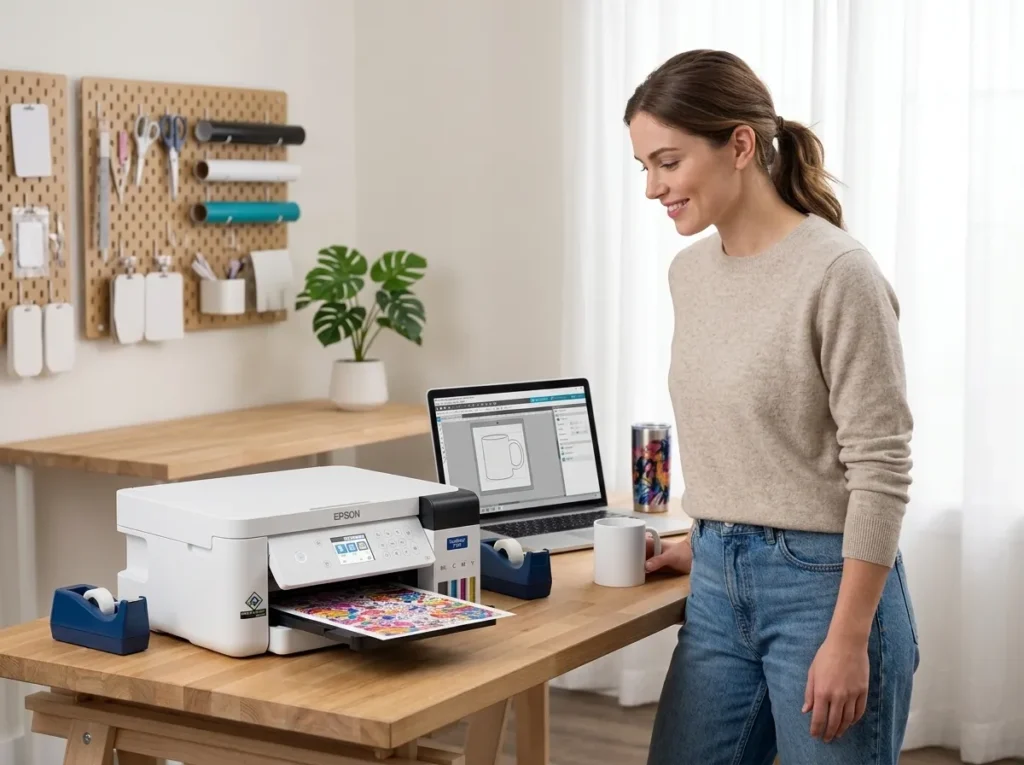
The Epson SureColor F170 sublimation printer targets buyers who want dedicated dye-sublimation printing without converting an ordinary EcoTank. That makes the F170 appealing for beginners, home studios, Etsy sellers, and small businesses.
But there is an important catch.
The F170 is an 8.5-inch desktop printer. That compact footprint makes it convenient, but it also limits the size of designs you can print. Epson rates the maximum paper width at 8.5 inches, with supported sheets reaching up to 8.5 × 47.2 inches depending on the application, operating system, and driver.
So the real question isn’t whether the F170 can make good sublimation transfers. It’s whether its dedicated workflow, ink system, price, and size limit match what you actually plan to make.
Our review approach: We cross-check manufacturer specifications, current pricing information, product documentation, and available ownership evidence. We don’t claim hands-on testing where none has occurred.
Affiliate Disclosure: As an Amazon Associate, GadgetsChamp earns from qualifying purchases. We may earn a commission if you buy through our links, at no extra cost to you.
Quick Verdict: Who Is the F170 For?
| If you need… | F170 fit |
|---|---|
| Easy dedicated sublimation setup | Strong fit |
| Mugs, mousepads and small blanks | Strong fit |
| Home or small studio use | Good fit |
| Etsy or small-batch products | Good fit |
| Large shirt graphics | Limited by 8.5-inch width |
| Wide-format sublimation production | Poor fit |
| No printer conversion work | Strong fit |
| Lowest possible upfront cost | Compare with EcoTank conversion |
Bottom line: The F170 makes the most sense when you value a purpose-built sublimation workflow more than maximum print width or the lowest possible entry price.
For a broader look at Epson’s lineup, see our guide to compare Epson models before treating the F170 as your only option.
Epson SureColor F170 Specs at a Glance
F170 Key Specifications
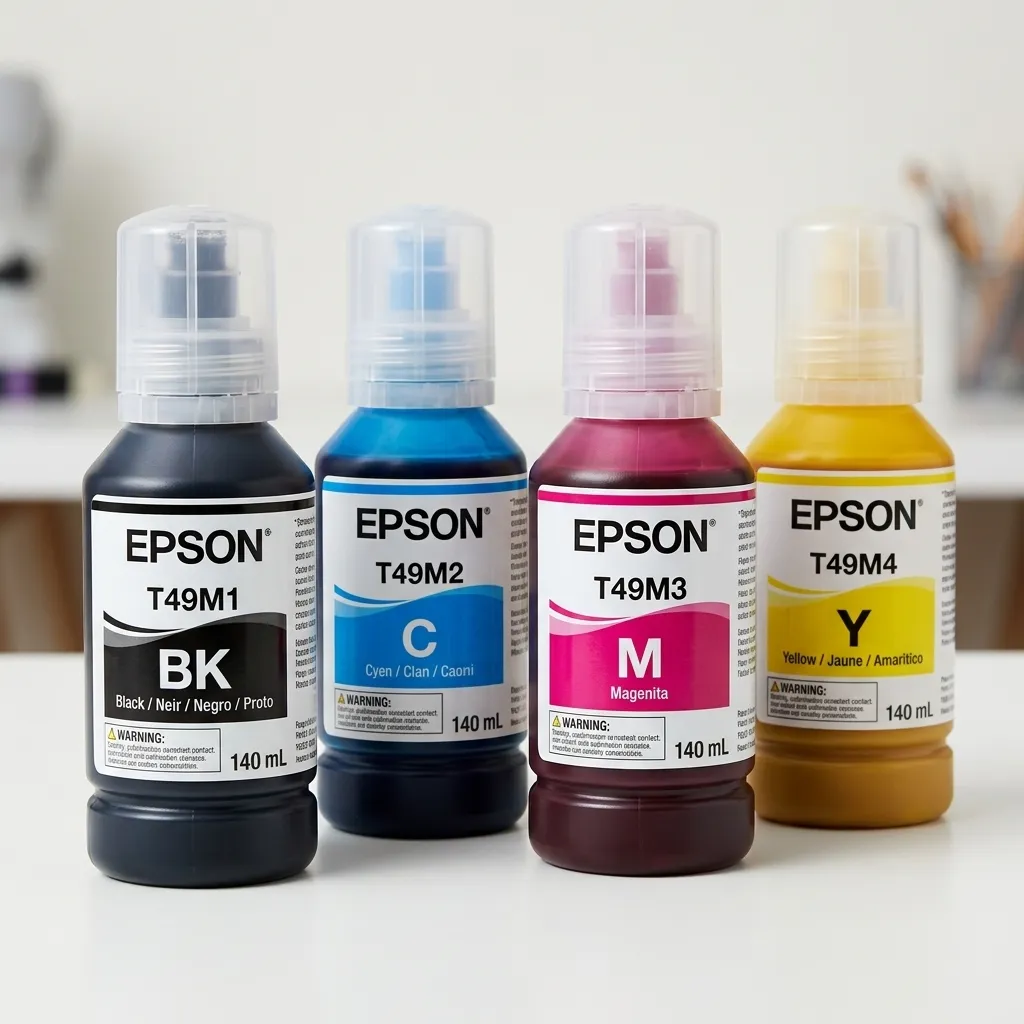
The F170 is an A4-class desktop dye-sublimation printer built around Epson’s PrecisionCore MicroTFP printhead. It uses four-color CMYK Epson T49M dye-sublimation ink in 140 mL bottles.
| Specification | Epson SureColor F170 |
|---|---|
| Printing technology | PrecisionCore MicroTFP |
| Maximum resolution | 1,200 × 600 dpi |
| Maximum paper width | 8.5 inches |
| Maximum sheet size | 8.5 × 47.2 inches* |
| Ink | Epson T49M dye-sublimation |
| Bottle size | 140 mL per color |
| Paper capacity | Up to 150 sheets |
| Connectivity | USB, Wi-Fi, Wi-Fi Direct, Ethernet |
| Weight | 10.2 lb |
| Warranty | 1-year limited warranty |
*Maximum printable length depends on the application, operating system, and driver/RIP.
What These Specifications Mean
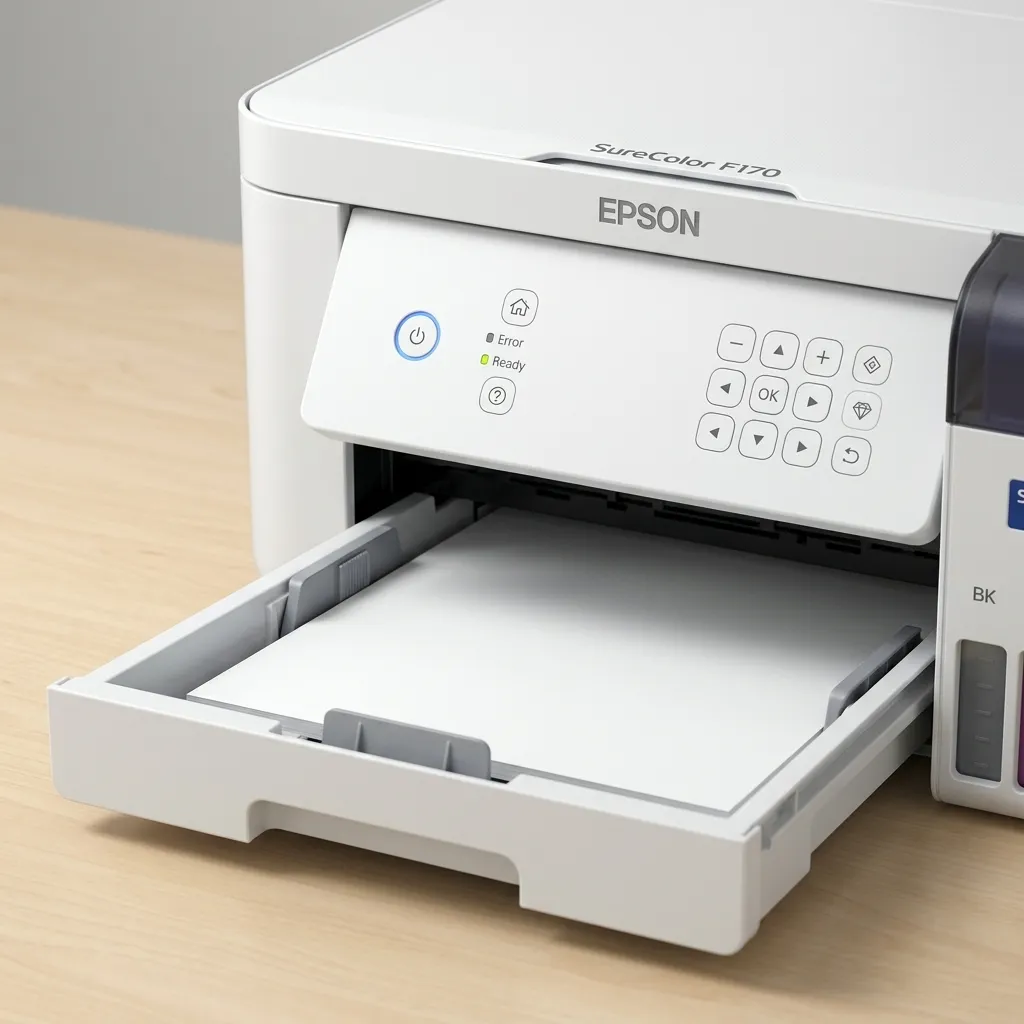
The important numbers aren’t the resolution or weight.
The 8.5-inch maximum width determines the type of work you can produce. The 150-sheet feeder is more relevant to small batches, while the 140 mL refill bottles reduce the need for frequent cartridge-style replacements.
The F170 also supports USB, Wi-Fi, Wi-Fi Direct, and Ethernet. That gives you several ways to connect it to a home or small-business workflow.
What Is the Epson F170 Like to Own?
Setup Is the Main Advantage
The biggest appeal of the Epson 170 sublimation printer is that it is designed for sublimation from the start.
You don’t need to take a regular inkjet, replace its ink, configure a conversion workflow, and hope the setup behaves as expected. Epson ships the F170 with its own dye-sublimation ink system and software.
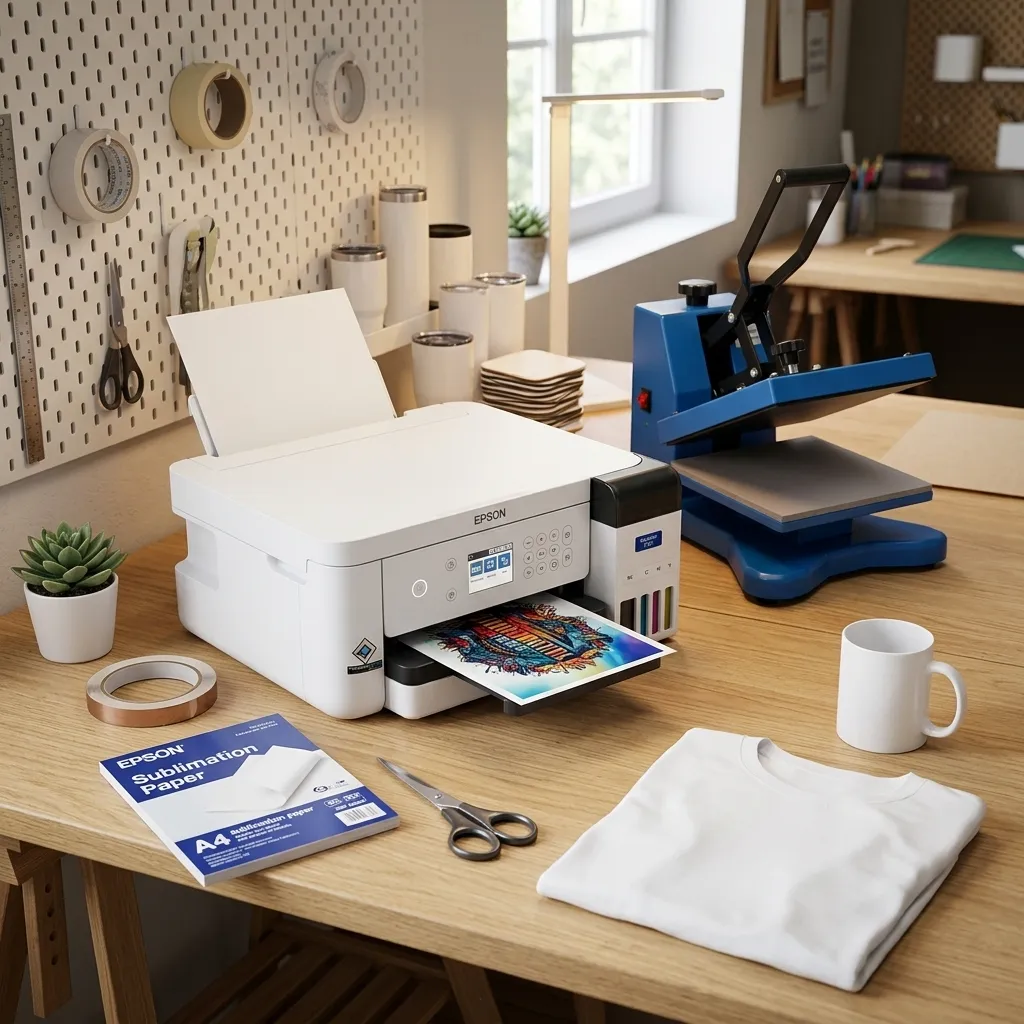
That doesn’t mean the printer eliminates every setup step. You still need suitable sublimation paper, compatible blanks, design software, and a heat source.
But it removes one major layer of complexity.
That matters if you’re buying your first Epson SureColor sublimation printer and want a straightforward starting point.
What You Get in the Box
The standard printer package should be treated separately from third-party bundles.
Epson’s standard configuration includes the printer, genuine dye-sublimation ink, power accessories, documentation, and software. Epson’s product information identifies a 150-sheet auto-feed tray and genuine ink as part of the turnkey system.
Third-party listings can add heat presses, paper, blanks, or other equipment.
That’s where terms such as Epson F170 Sublimation Starter Kit and Epson F170 Sublimation Ultimate Kit become confusing.
There is no single universal “Ultimate Kit” that every retailer sells. Check the seller’s current package contents before comparing bundle prices.
Epson F170 Print Quality & Sublimation Performance
Colors, Detail & Transfer Quality
The F170 uses a 4-color CMYK dye-sublimation system and supports a maximum resolution of 1,200 × 600 dpi. Epson also highlights its PrecisionCore printhead and variable-sized droplet technology.
Those specifications matter because sublimation transfers need clean detail and consistent color before the design reaches the blank.
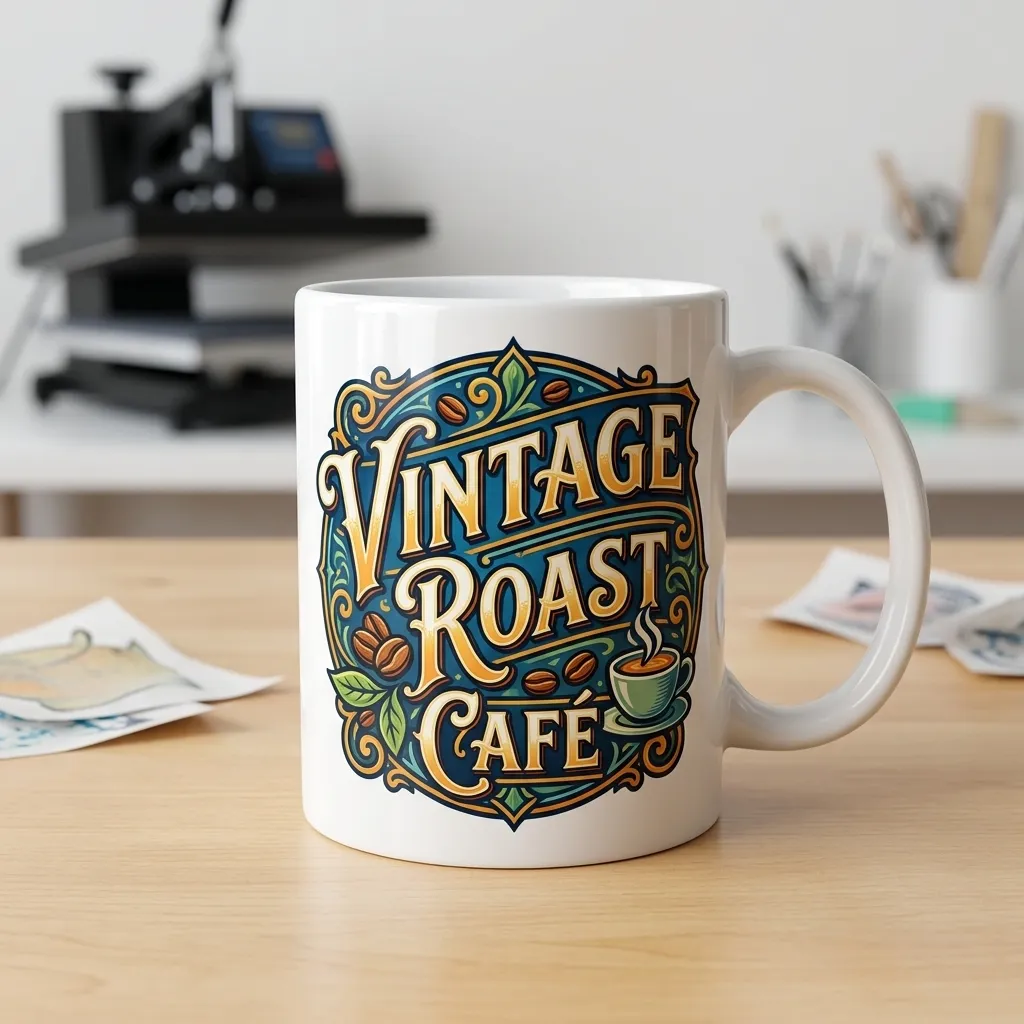
The F170 is designed for both soft and rigid sublimation applications using compatible transfer media. Epson specifically positions the printer for products such as mugs, mousepads, awards, and other personalized items.
Still, don’t confuse printer capability with guaranteed finished-product results.
Your transfer paper, heat settings, blank quality, artwork, color management, and press all affect the final result.
What the 8.5-Inch Width Means
This is the F170’s biggest limitation.
The printer accepts media up to 8.5 inches wide. Epson lists a maximum sheet size of 8.5 × 47.2 inches, but application and driver limitations can affect maximum printable length.
That makes the F170 much easier to justify for smaller products than for large-format work.
Think:
- Mugs
- Mousepads
- Small signs
- Awards
- Phone-related blanks
- Small apparel designs
- Other compact sublimation products
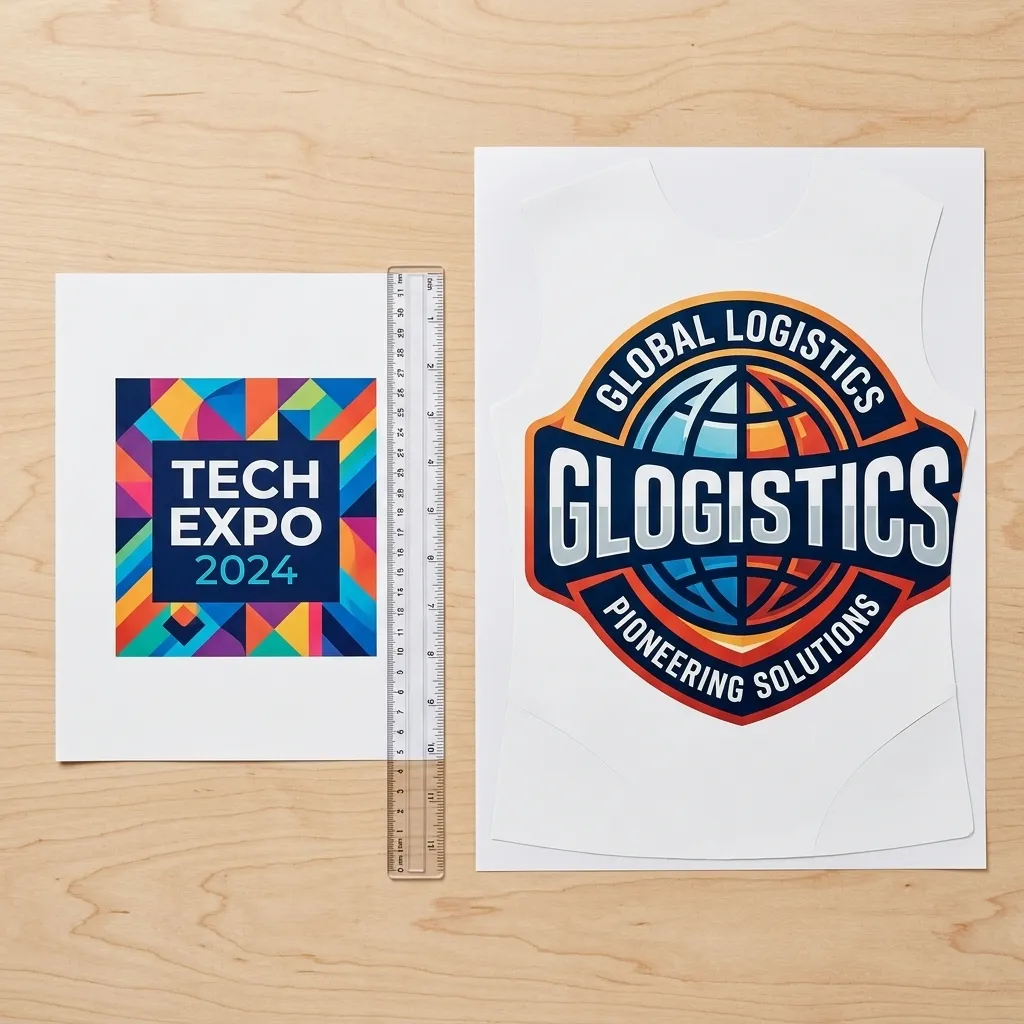
If your business depends on large shirt graphics or wide-format production, the 8.5-inch width becomes a hard constraint rather than a minor inconvenience.
For a larger Epson option, use our dedicated vs wide-format Epson comparison rather than turning this review into a full F170-versus-ET-15000 article.
Shirts, Mugs & Small Sublimation Blanks
Yes, the F170 can fit into an apparel workflow.
But its size makes it better suited to smaller designs than full-width shirt production.
Mugs and other small rigid blanks are a more natural match for its desktop format. Epson itself markets the F170 around personalized products including mugs and mousepads.
Remember that the printer only creates the transfer.
You still need the correct sublimation blank and a suitable heat press or other heat-transfer equipment.
Epson F170 Ink Cost & Ownership
How Much Does F170 Ink Cost?
Epson currently lists its U.S. T49M 140 mL ink bottles at $24.95 each. A four-color replacement set therefore totals $99.80 at Epson’s listed prices before taxes or other costs.
Treat that as a price snapshot, not a permanent ownership cost.
Retail pricing can change.
The F170 also uses Epson-specific dye-sublimation ink. Epson states that the printer is designed for Epson ink and recommends genuine ink for performance and print quality.
How Much Ink Will You Actually Use?
This is where many Epson F170 sublimation printer reviews get too confident.
There is no honest universal “cost per shirt” number without a controlled print methodology.
Epson explicitly says bottle yields vary based on the images printed, print settings, paper type, frequency of use, and temperature. The printer also uses some ink from the initial bottles during priming.
Your actual cost therefore depends on what you print.
A small logo and a full-page photographic transfer won’t consume ink at the same rate.
Maintenance, Nozzles & Clogs
Like other inkjet-based printers, the F170 requires attention to print quality and nozzle condition.
Epson’s support documentation recommends running a nozzle check when printouts show problems such as missing areas or banding. Cleaning the print head can follow when the nozzle pattern shows gaps.
The important point is simple: don’t ignore poor nozzle patterns.
A small print-quality problem can become a larger production headache if you continue sending important transfers through the printer without diagnosing it.
This is maintenance, not evidence that the F170 “clogs constantly.” Owner complaints should be treated as individual reports unless broader evidence establishes a consistent pattern.
Epson F170 vs Converted EcoTank
Why Buy a Dedicated Sublimation Printer?
The F170’s strongest argument is convenience.
A dedicated machine gives you a printer designed around sublimation ink, transfer media, and the manufacturer’s intended workflow. You don’t have to build the conversion yourself.
That can be worth paying more for if you want fewer variables between buying the printer and producing your first transfer.
It also gives you a cleaner support story because Epson documents the F170 as a dedicated dye-sublimation product.
When an EcoTank Conversion Makes More Sense
A converted EcoTank can make more sense when upfront cost and flexibility matter more than a purpose-built workflow.
The trade-off is complexity.
You need to evaluate the specific EcoTank model, conversion process, ink compatibility, software settings, warranty implications, and long-term maintenance.
Our ready-to-use sublimation printers page covers the broader purchase decision, while the dedicated F170 vs ET-15000 comparison handles that model-level matchup.
Who Should Buy the Epson SureColor F170?
Best For Beginners & Home Studios
The F170 makes sense when you want a dedicated sublimation printer without building your own converted setup.
Its compact desktop format, 150-sheet feeder, refillable 140 mL bottles, and multiple connectivity options suit a home studio or maker workspace.
If you are new to sublimation, remember that the printer is only one part of the system.
You’ll still need transfer paper, compatible blanks, design software, and a heat press.
Good Fit for Small Sublimation Businesses
The F170 can fit a small business selling compact personalized products.
Its strongest use case is small-batch production where an 8.5-inch print width isn’t a problem.
That could include mugs, mousepads, awards, and smaller custom products.
If your orders regularly require larger designs or higher production throughput, look at our business-ready sublimation printers guide before buying.
Not Ideal for Large or Wide-Format Production
The F170 isn’t a wide-format production machine.
Its 8.5-inch maximum paper width creates a firm ceiling on design size. You can work around length in certain applications, but you cannot turn an 8.5-inch printer into a wide-format printer through software.
That makes the F170 a poor fit if large apparel graphics are central to your business.
For a broader equipment decision, our starter equipment checklist can help you account for the heat press, paper, blanks, and other pieces beyond the printer itself.
Frequently Asked Questions
Is the Epson SureColor F170 Worth It?
The F170 is worth considering if you want a dedicated A4-class sublimation printer and don’t need wide-format printing.
Its strongest advantages are the purpose-built sublimation workflow, 150-sheet feeder, refillable 140 mL ink bottles, and compact desktop design.
The main trade-off is the 8.5-inch maximum paper width.
If you need larger apparel graphics or wide-format production, look beyond the F170.
What Size Can the Epson F170 Print?
The F170 accepts paper up to 8.5 inches wide. Epson lists a maximum sheet size of 8.5 × 47.2 inches, although the maximum printable length depends on the application, operating system, and driver or RIP.
The 8.5-inch width matters more than the long-sheet figure for most buyers.
It determines how wide your sublimation artwork can be.
Does the F170 Come With Sublimation Ink?
Yes. The F170 ships with genuine Epson dye-sublimation ink. Epson specifies four 140 mL colors for the system. Third-party bundles may include additional paper, blanks, or equipment. Check the exact seller listing because bundle contents vary.
How Much Does F170 Ink Cost?
Epson’s U.S. site currently lists each 140 mL T49M bottle at $24.95. That puts four individual colors at $99.80 at the listed Epson prices.
Your actual printing cost will depend on image coverage, settings, paper, temperature, and usage frequency.
Can the F170 Print Shirts?
Yes, but the 8.5-inch maximum paper width limits the size of the transfer.
It can make sense for smaller apparel designs. If you need large full-front graphics, the F170’s desktop width becomes a significant limitation.
Can the F170 Print Mugs and Tumblers?
The F170 is designed for sublimation products such as mugs and other personalized items. Epson specifically lists mugs among its intended applications. For tumblers, the important question is not only whether the printer can create the transfer.
You also need a compatible tumbler blank and a suitable heat-transfer setup.
Does the F170 Need a Heat Press?
Yes. The F170 prints the sublimation transfer. It does not complete the transfer onto your blank by itself. You need appropriate heat-transfer equipment matched to the substrate and workflow. That equipment cost belongs in your total startup budget.
Is the F170 the Same as the SC-F100?
They should not be described simply as “the old F170.” Epson markets the SC-F100 as an A4 dye-sublimation printer in Europe, while the U.S. market uses the SureColor F170 designation. Epson’s documentation identifies the F170 with model B711A, while the European SC-F100 has its own regional product designation.
The safest approach is to treat them as regional product variants and verify the exact model and market before buying ink, accessories, or support.
Check the Current F170 Price
The Epson SureColor F170 sublimation printer makes the most sense when you want a dedicated sublimation workflow and your projects fit within its 8.5-inch width.
If that’s your use case, check the current F170 price and available bundle options before buying. Compare the actual package contents rather than assuming every “starter” or “Ultimate Kit” contains the same equipment.
If you need larger designs, higher production capacity, or a different ownership model, compare the alternatives first.